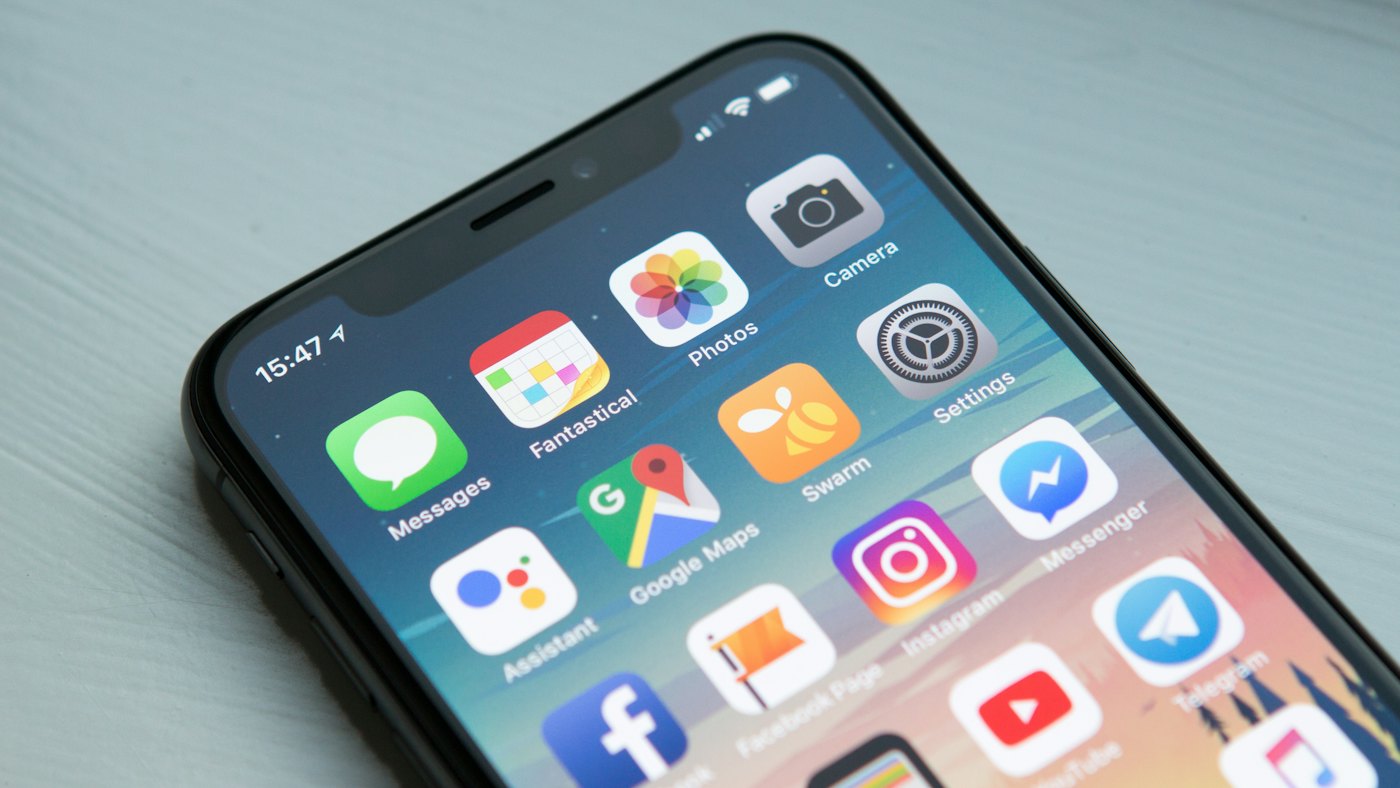
“Should we build an app?” is one of the most expensive questions a startup can answer too quickly. A native mobile app can be the heart of a product — or months of work that a well-built web app could have delivered to more people, sooner.
This guide compares web apps, mobile apps and the options in between, so you can choose what to build first based on your users and your runway, not on what sounds impressive in a pitch deck.
The four options, in plain terms
Web app
Runs in the browser on any device. Users visit a URL — nothing to install. One codebase serves desktop and mobile, and updates go live instantly.
Progressive web app (PWA)
A web app with app-like extras: it can be added to the home screen, work partly offline and, on supported platforms, send push notifications. Still one codebase, still no app-store approval needed.
Cross-platform mobile app
Built once with frameworks such as React Native or Flutter and published to both the Apple App Store and Google Play. Close to native performance for most products, with a largely shared codebase.
Native mobile app
Built separately for iOS (Swift) and Android (Kotlin). The best performance and deepest access to device features, but effectively two products to build and maintain.
Web app vs mobile app: side-by-side
| Factor | Web app / PWA | Mobile app (cross-platform or native) |
|---|---|---|
| Time to first launch | Usually faster | Longer — plus store review |
| Build and maintenance cost | Lower — one codebase | Higher, especially fully native |
| Discovery | Search engines, links, ads | App stores, plus marketing to drive installs |
| Friction for new users | Low — just open a link | Higher — must download and install |
| Updates | Instant for everyone | Store releases; users update over time |
| Device features | Growing, but limited on some platforms | Full access: camera, sensors, Bluetooth, background tasks |
| Offline use | Possible with a PWA, with limits | Strong |
| Engagement and notifications | Good on desktop and Android; more limited on iOS | Best-in-class push and home-screen presence |
| Payments | Your own payment provider | App-store rules and fees may apply to digital goods |
When a web app should come first
- You’re still validating the idea. Changing a web app daily is normal; changing a store app daily is not.
- Your users work on desktop — most B2B software, dashboards and admin tools.
- You rely on search or content for acquisition. Web pages can rank on Google; app screens generally can’t.
- Usage is occasional — booking, quoting, ordering, account management. People rarely install an app they’ll open twice a year.
- Budget and runway are tight. One codebase stretches further.
When a mobile app is worth it
- The product is used daily or on the move — fitness, messaging, delivery, field work.
- You need device features the web can’t reliably provide: background location, Bluetooth hardware, advanced camera or sensor use.
- Push notifications are central to the value, especially for iPhone users.
- Offline use is essential for your customers.
- Your users expect to find you in the app store, as is common in many consumer categories.
The path most startups should take
For most early-stage products, a staged approach reduces risk:
- Launch a fast, mobile-friendly web app (or PWA) to validate demand and learn how people really use the product.
- Measure mobile behaviour. Which features do mobile users rely on? Do they return daily? Where do they drop off?
- Build a mobile app for the proven core — usually cross-platform first — once you know which features justify it.
- Go fully native only when performance, device access or scale clearly demand it.
Whichever route you choose, the marketing website around the product matters just as much: it’s where search traffic lands and where people decide to sign up or download. Our website launch checklist covers what it needs.
Questions to answer before you decide
- How often will a typical user open the product each week?
- Which device will they be on when they need it most?
- Which features truly require native device access?
- How will new users find you — search, app store, referrals or sales?
- How quickly do you need to ship changes based on feedback?
- What can you afford to build and maintain for the next 18 months?
Frequently asked questions
Is a web app cheaper than a mobile app?
Usually, because one codebase serves every device and there’s no app-store process. A cross-platform mobile app narrows the gap compared with building two separate native apps.
Can a web app be listed in the app stores?
In some cases a PWA can be packaged for stores, particularly Google Play. Apple’s rules are stricter, and apps that are simply a website in a wrapper may be rejected. If store presence matters, plan for a real mobile app.
How long does it take to build a mobile app?
A focused first version of a cross-platform app with a backend and admin dashboard commonly takes around 10–16 weeks, depending on features and integrations. Web app MVPs are often quicker.
Not sure which to build?
We build both — see our Website Development and Mobile App Development services. Book a free consultation and we’ll help you choose the right first version for your users and budget.